FitSnap

Progress photos · iPhone

Make your progress look this good.

An evening run, morning yoga, a good long walk. FitSnap puts your stats and your own words on the photo, in themes that light it up.
Download on the App Store Free to download · your photos stay on your phone
Finished photosMade with FitSnap
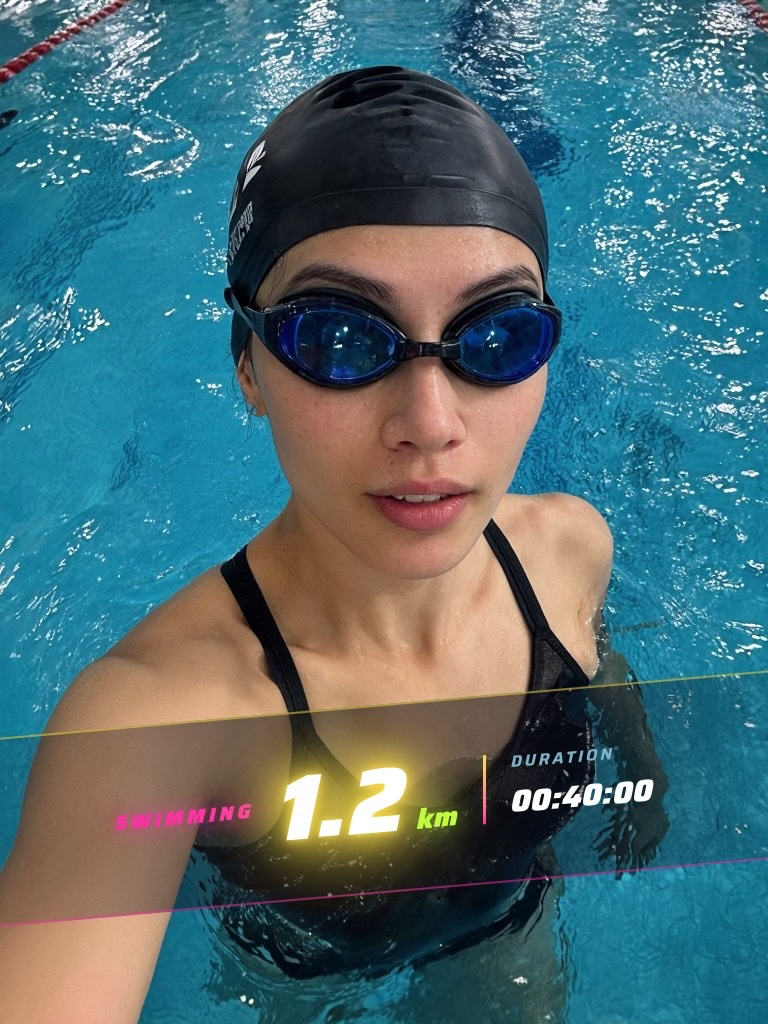
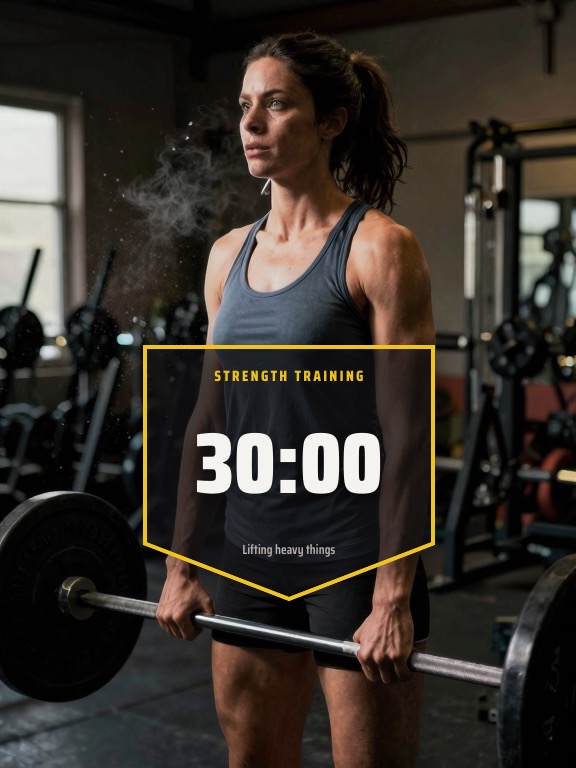
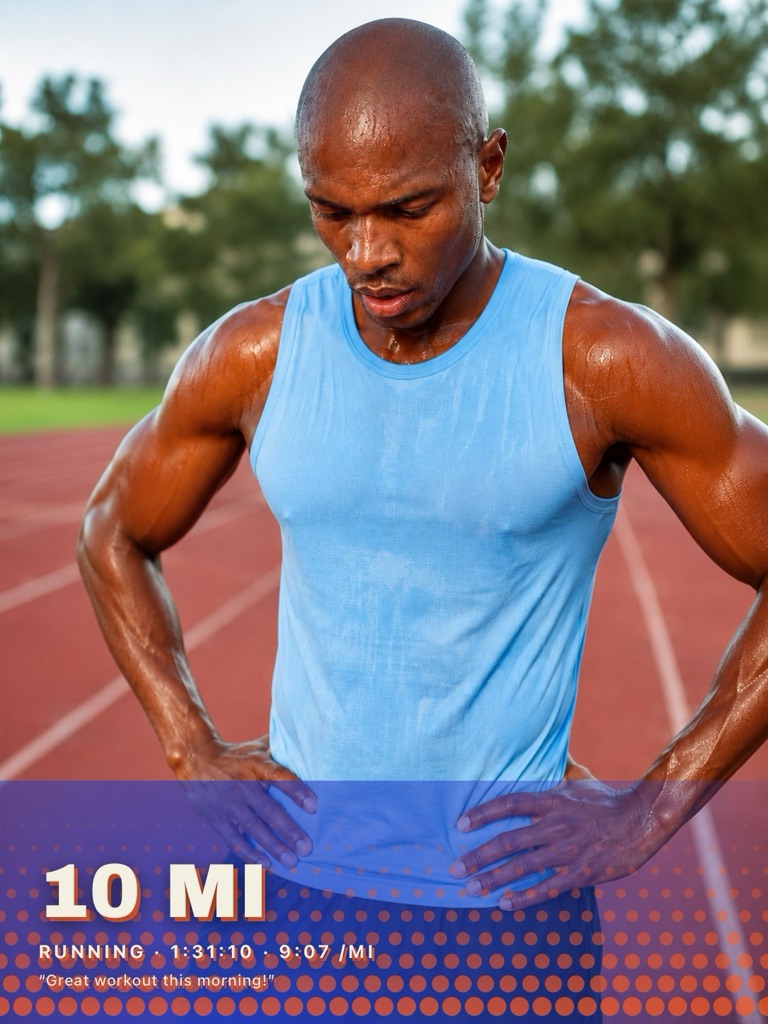
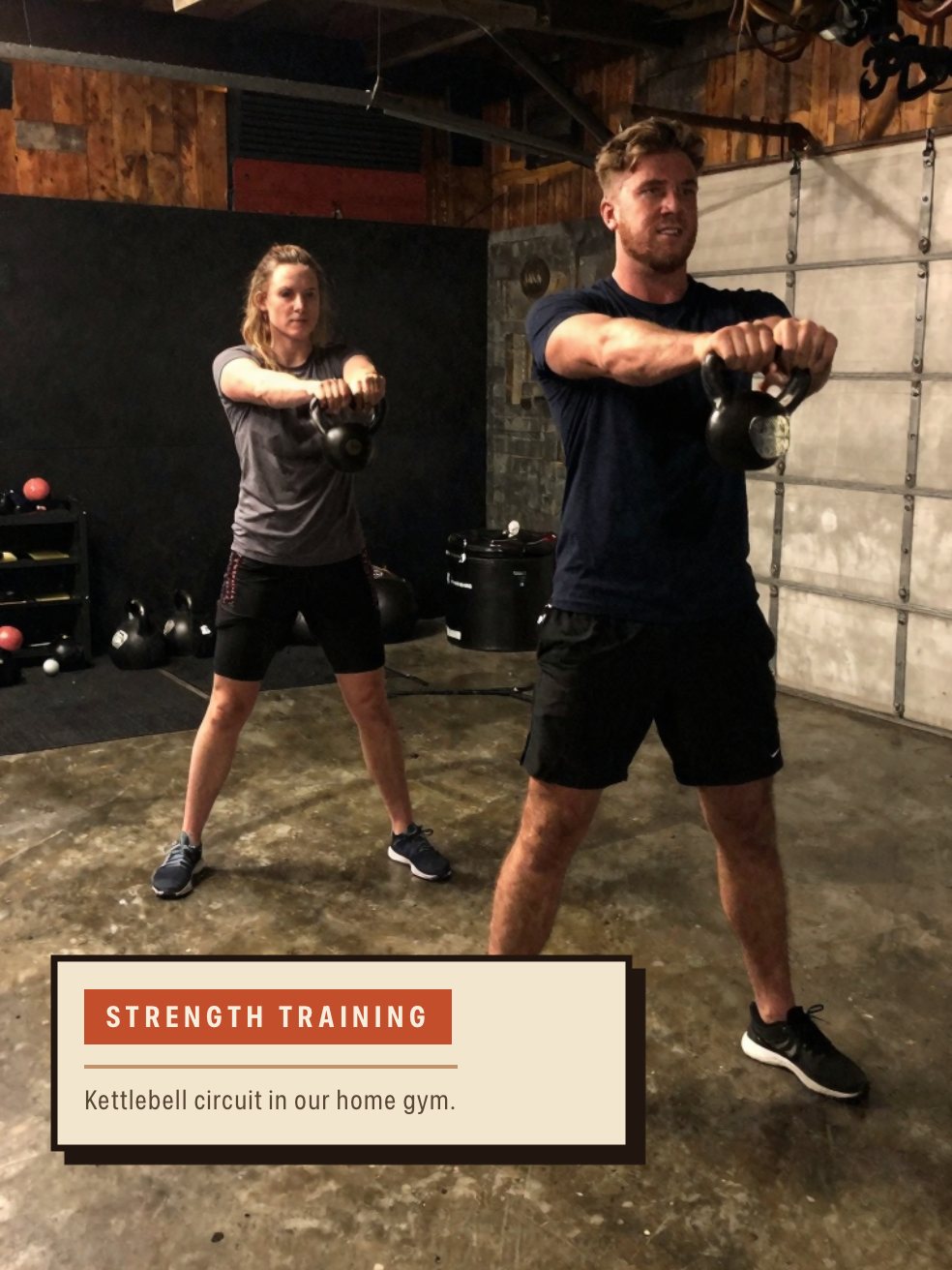
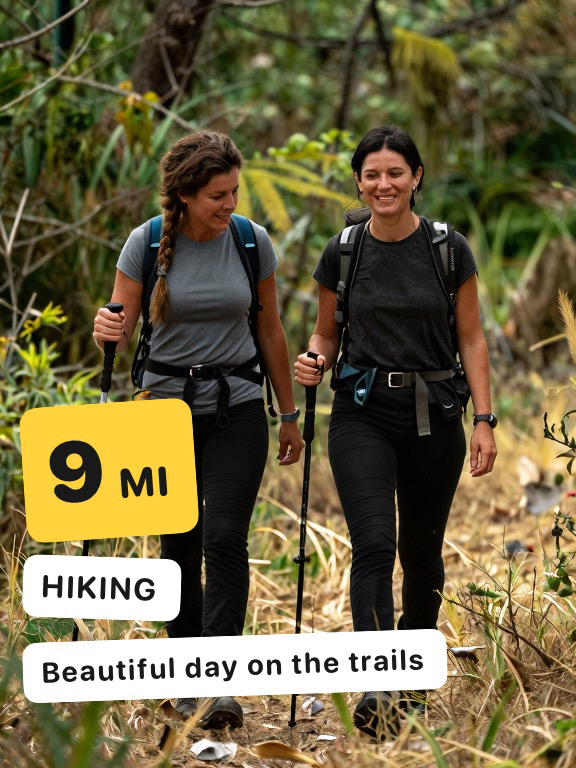
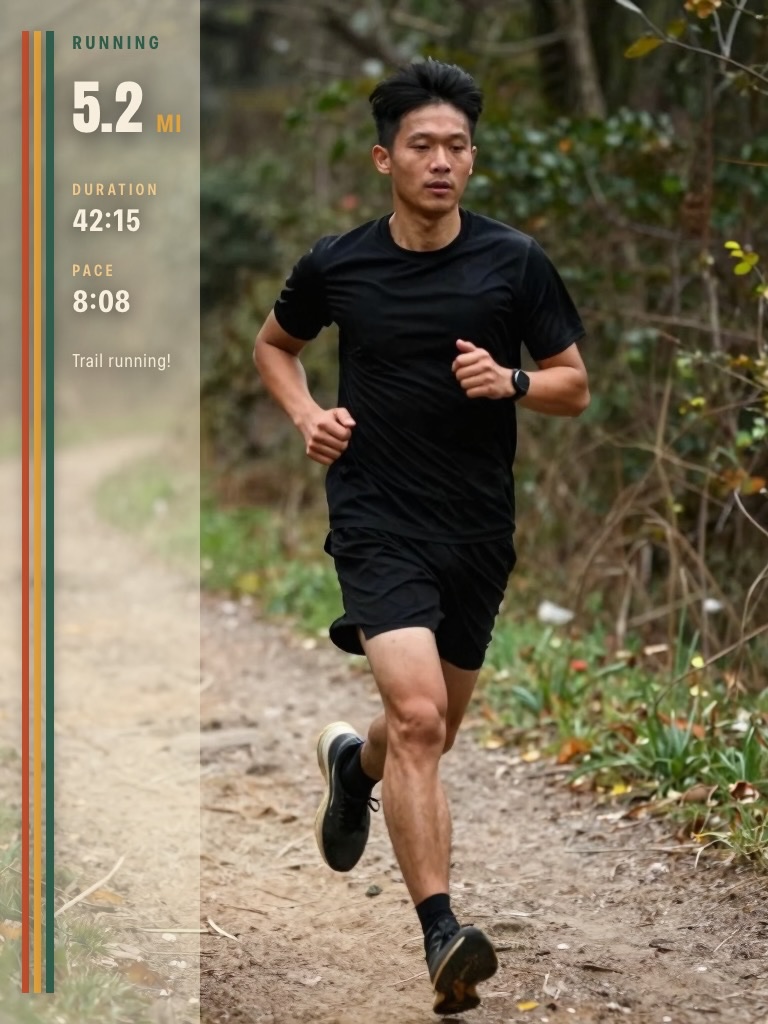
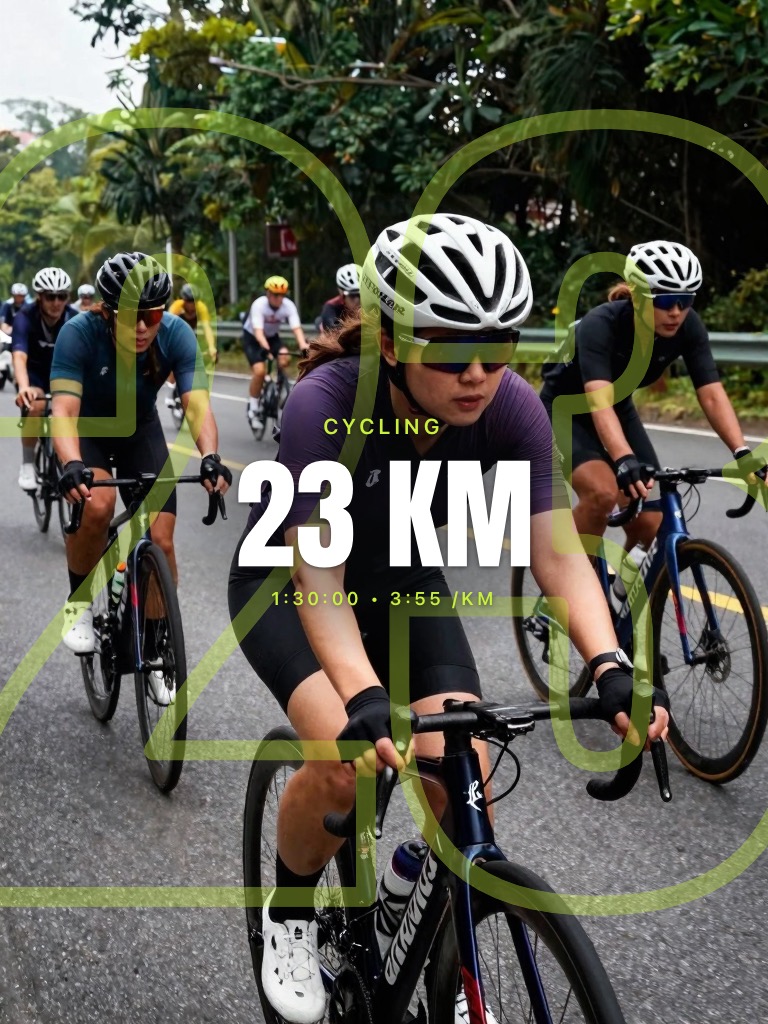
A trail runner beside a tall panel reading RUNNING, 5.2 MI, a duration of 42:15, a pace of 8:08 and the note “Trail running!” A cyclist leading a group on a wet road, with CYCLING, 23 KM and a time of 1:30:00 at 3:55 per kilometre A swimmer in goggles at the lane rope, with SWIMMING 1.2 km and a duration of 00:40:00 across a neon band A lifter holding a barbell, with Strength Training, 30:00 and the note “Lifting heavy things” inside a gold frame A runner catching his breath on a track, with 10 MI, RUNNING, a time of 1:31:10 at 9:07 per mile and the note “Great workout this morning!” across the bottom Two people mid kettlebell swing, labelled Strength Training with the note “Kettlebell circuit in our home gym” Two friends hiking with poles, tagged 9 MI, HIKING and the note “Beautiful day on the trails”

How it works

Three easy steps. Under a minute.

1

Snap

Shoot in the app or pull any photo from your library. Import from Apple Health and your distance, time, and pace fill in for you. Type them yourself if you’d rather, or just write a few words.
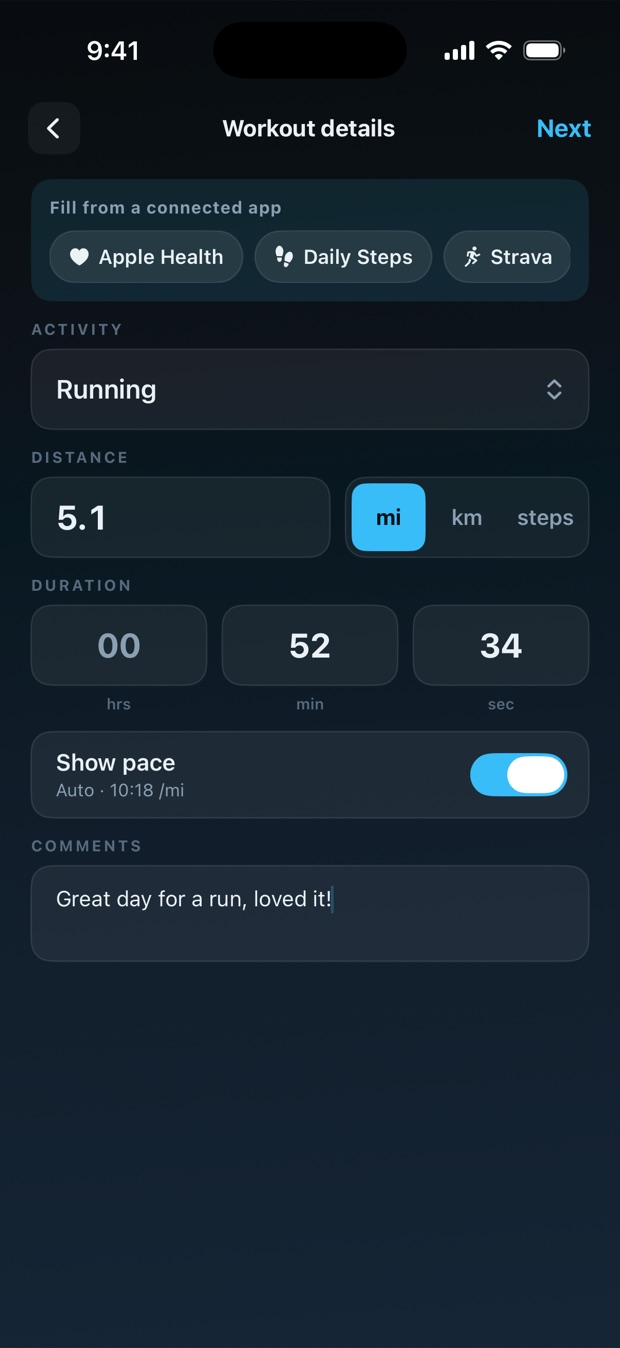
App screenshotWorkout details The FitSnap workout details screen, with chips for Apple Health, Daily Steps and Strava above fields reading Running, 5.1 mi and a duration of 52:34
2

Style

Twelve themes, over a hundred layouts, five palettes each: loud ones, quiet ones, and everything between. Nudge things until it feels right.
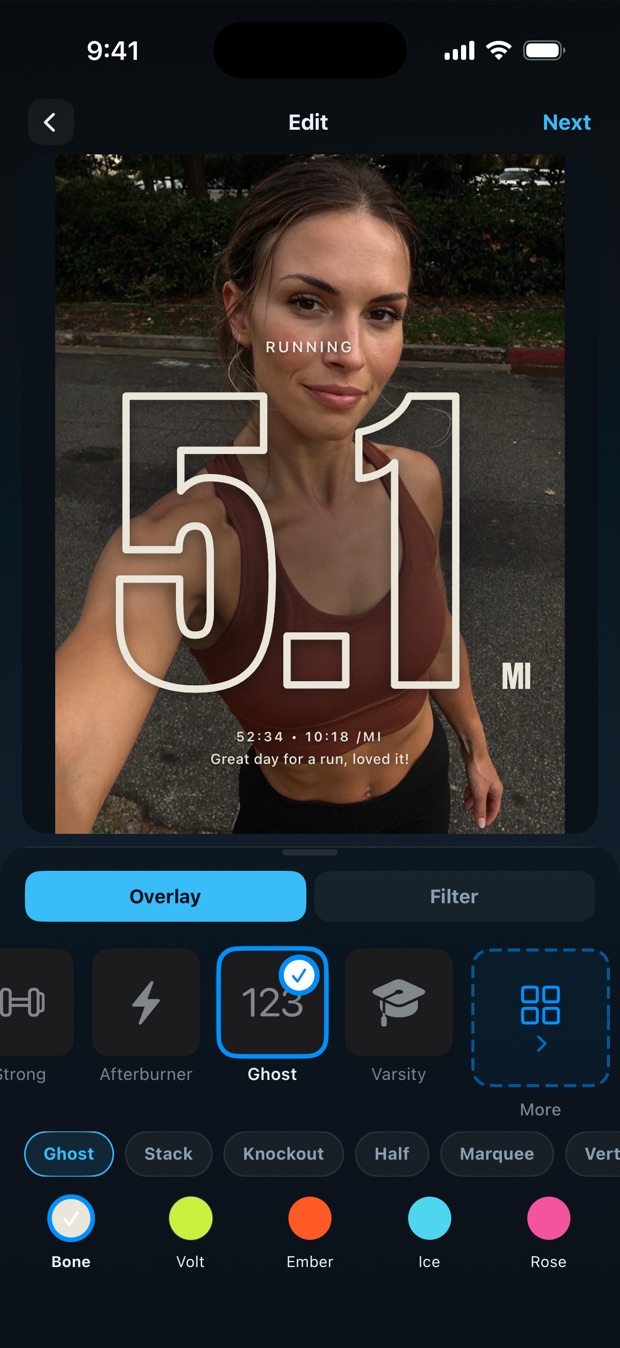
App screenshotTheme carousel The FitSnap editor, with the Ghost theme and Bone palette selected under a running photo reading 5.1 MI
3

Share

Export in full resolution with the caption and hashtags already written. Post it to Instagram, TikTok, or anywhere else. Or keep it just for you. Both count.
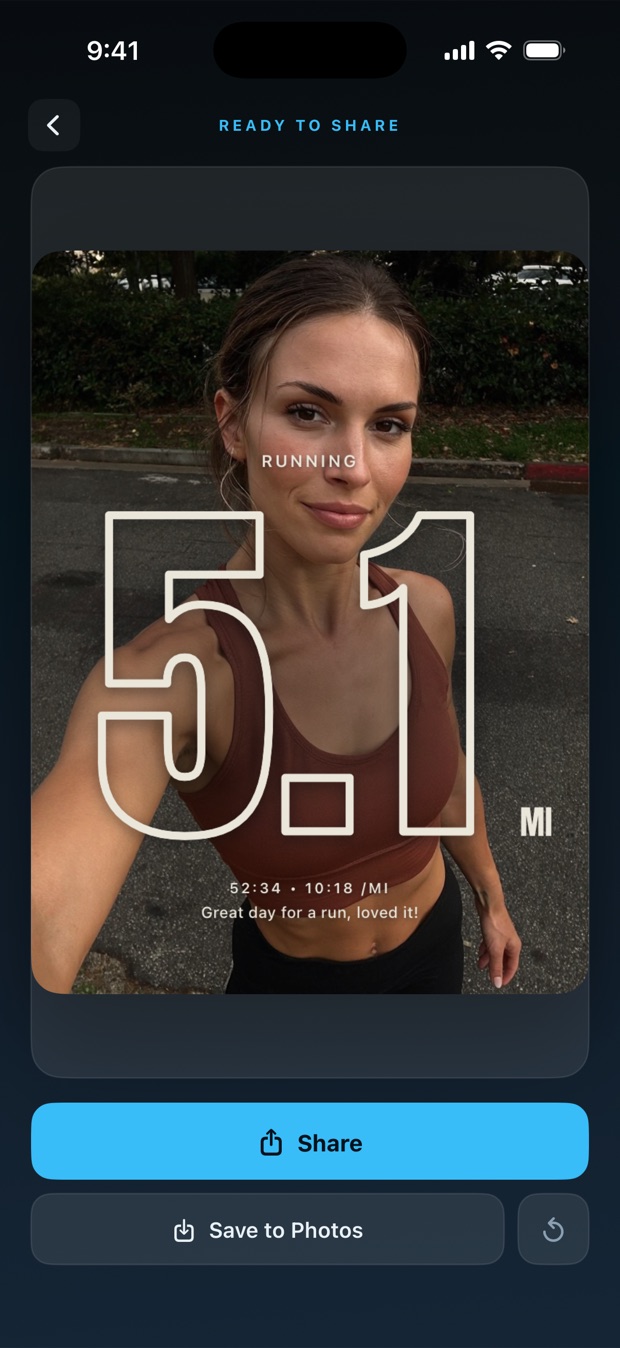
App screenshotExport & share The finished photo on the FitSnap share screen, headed READY TO SHARE, with Share and Save to Photos buttons below it

Why it helps

Little wins deserve some light.

A photo log you’ll love looking back on.

Same look, week after week. A year from now your camera roll tells a story of showing up.

Looks designed, because it is.

No templates, no design skills needed. Pick a theme and the photo comes out looking intentional, on day one or day three hundred.

Good photos make the next workout easier.

A photo you’re proud of is a quiet nudge to lace up again tomorrow. Post it or keep it. Your call.

FitSnap app icon

Get FitSnap

Every workout deserves a photo this good.

Download on the App Store Free to download · iPhone